All Ears MCP

Ask what's being said
about your brand, right
where you work

Connect All Ears to ChatGPT, Claude, or any MCP client, and get answers from podcast, broadcast and social video.

Ask in plain language

Skip the dashboard and ask the question

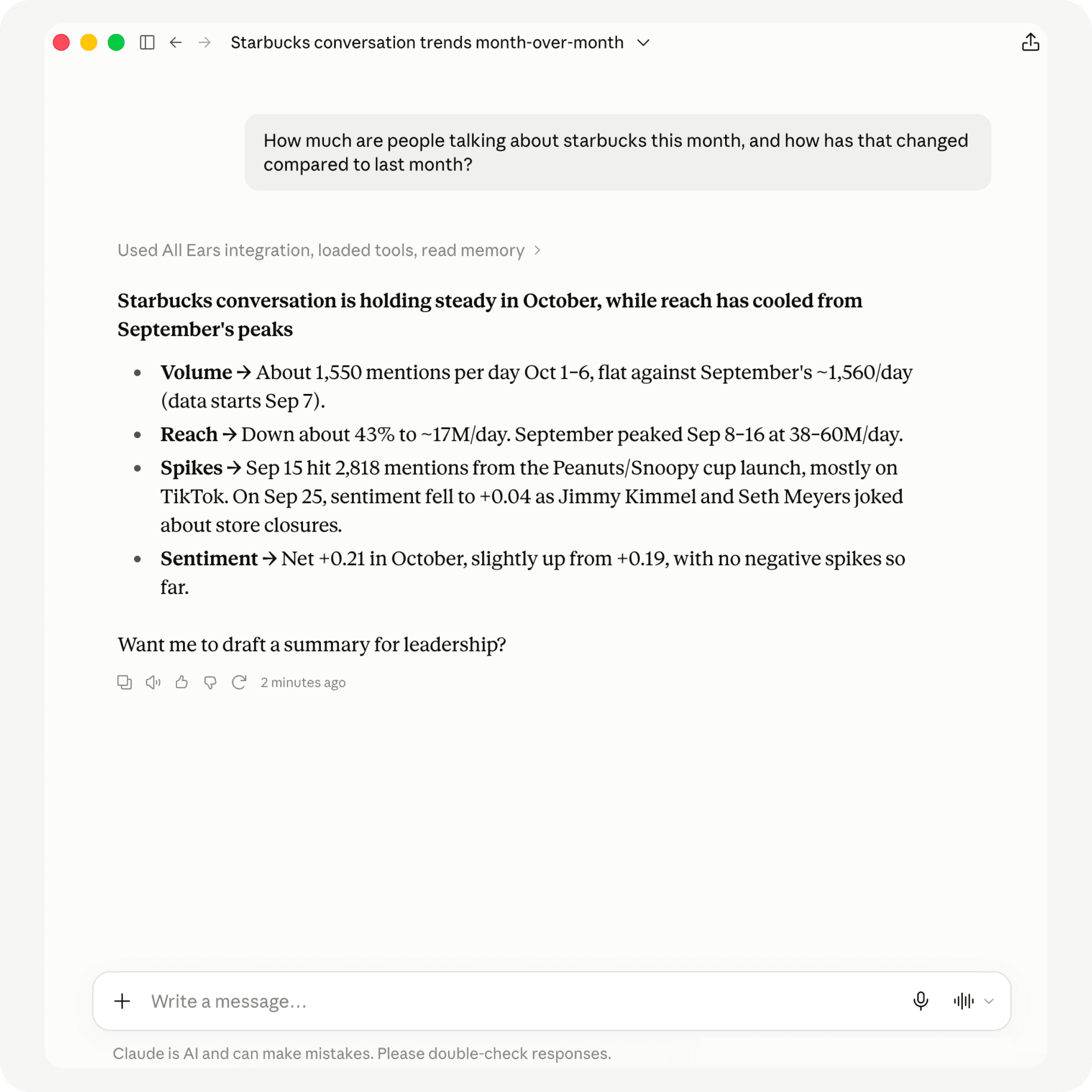
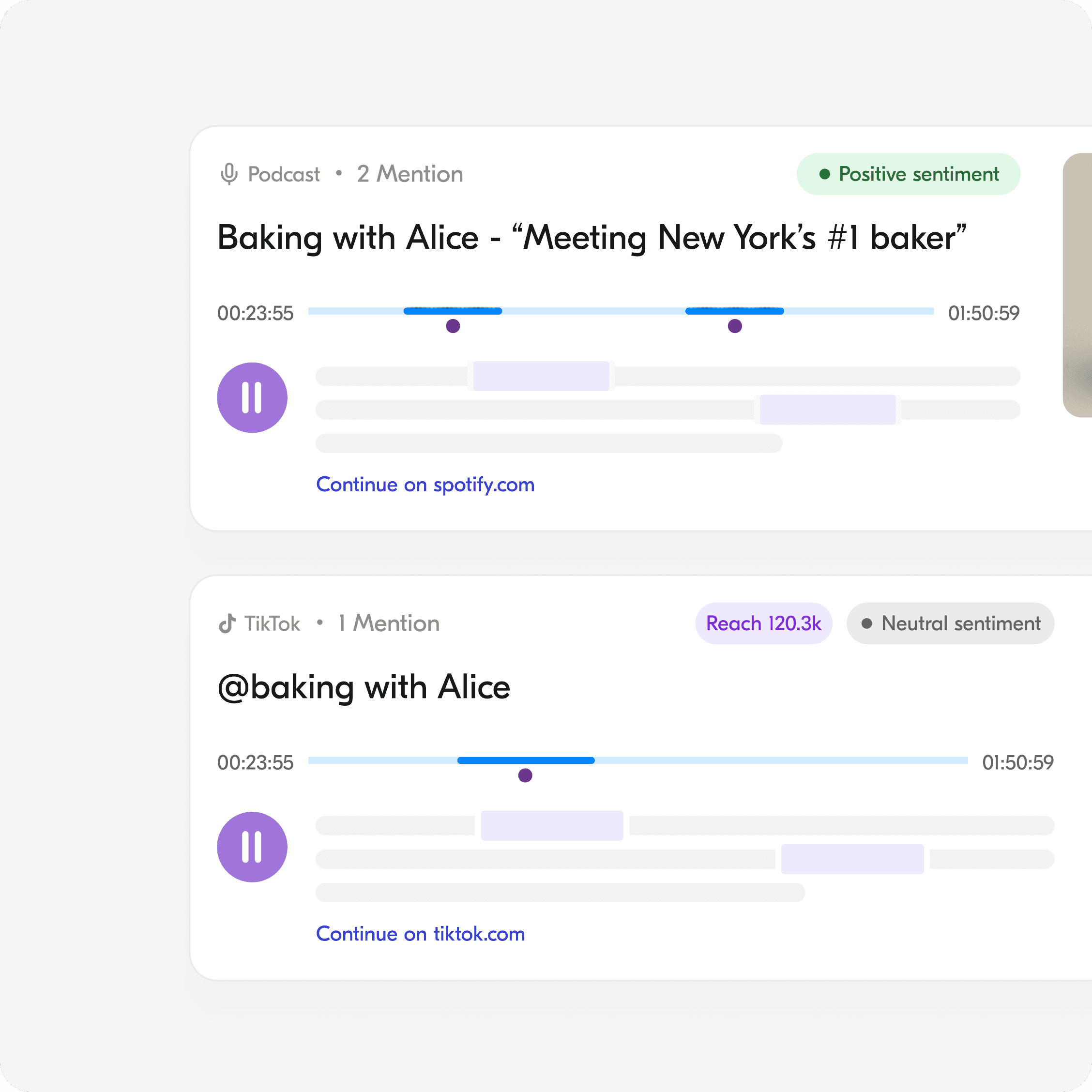
Ask whether there are any spikes in coverage, how sentiment is moving, or how you compare to competitors. Your assistant pulls the mentions and numbers behind the answer, and turns them into something you can send.
All Ears - social listening platform
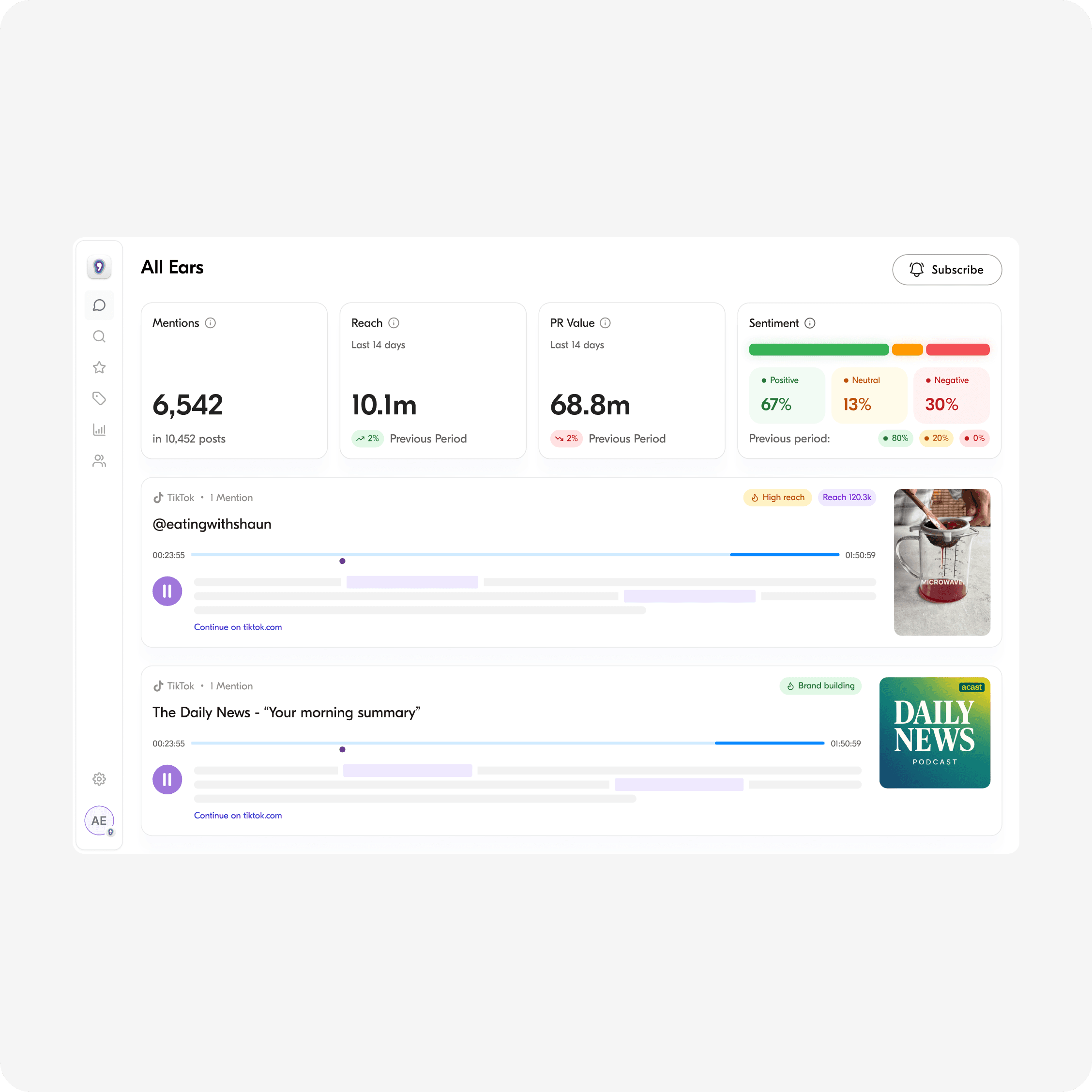
All Ears - instant keyword mentions
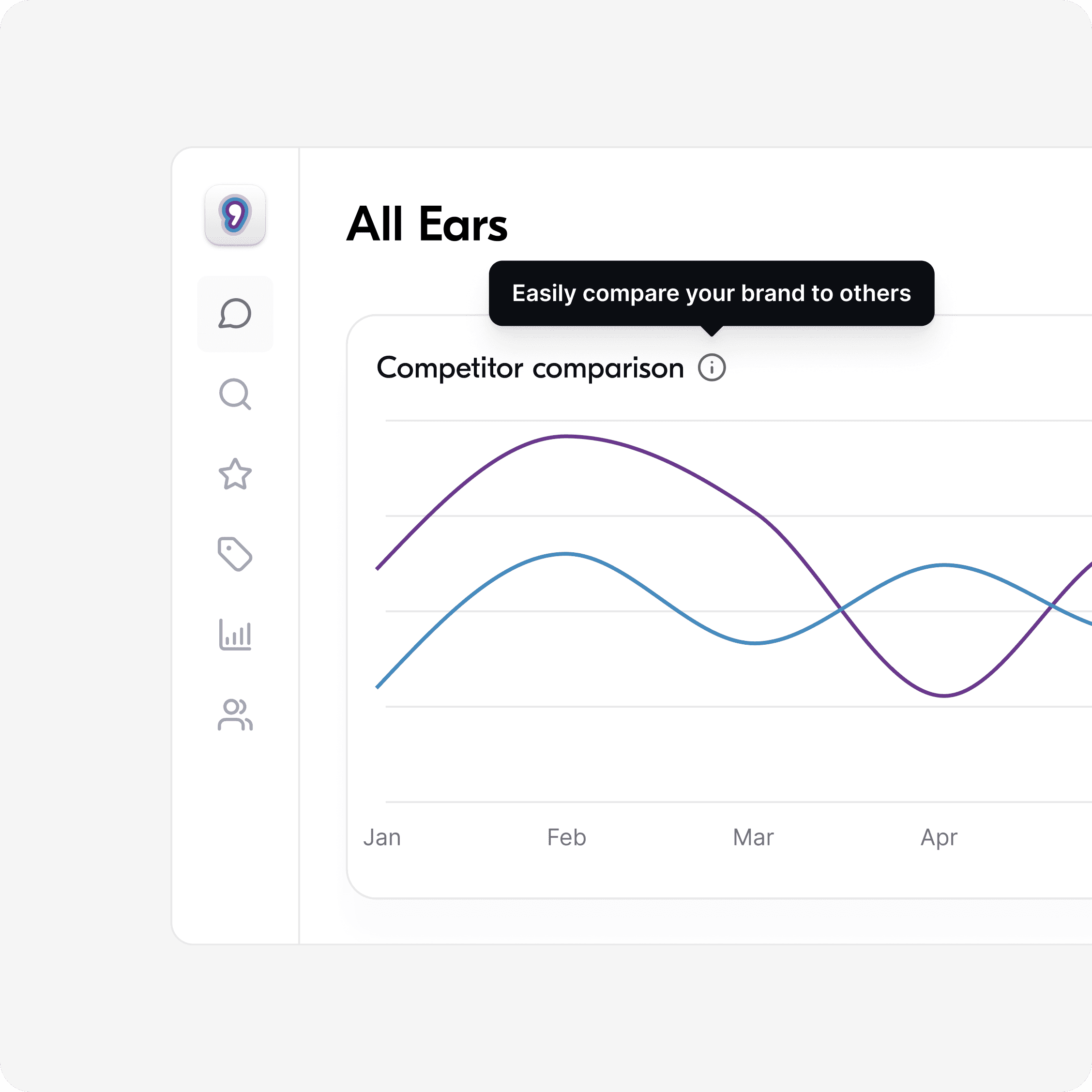
All Ears - competitor analysis
All Ears - social listening platform
All Ears - instant keyword mentions
All Ears - competitor analysis

Built on your monitors

Works with everything you've already set up

All Ears MCP runs on your existing monitors, so there’s nothing to rebuild. Detect spikes, track sentiment, compare competitors, and brief leadership, all from the data you already trust.

Connected in a click. No setup, no code, no waiting on anyone else.


Logos of tools outward, illustrating easy integration with no engineering required.
Check coverage

See how your brand is trending, where the spikes came from, and how people feel about it, without opening a dashboard.

Gauge showing levels of user engagement, with tags for high and low engagement percentages.
Find mentions

Pull up the exact podcast episodes and videos where you were mentioned, with what was said and who said it.

Envelope containing recommendations like “Fix churn spike” and “Action,” symbolizing actionable insights.
Create monitors

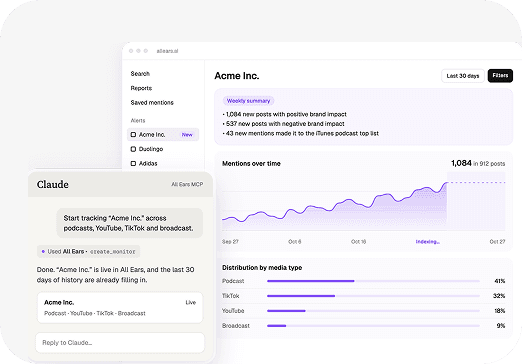
Start tracking a new campaign, competitor, or topic from the chat, and it shows up in All Ears with history already filling in.

Get clear answers in 3 simple steps

From data to clarity—uncover insights, take action, and grow smarter in three simple steps.

Logos of tools outward, illustrating easy integration with no engineering required.

Connect your product

Integrate in minutes with your existing stack—no engineering lift required.

Gauge showing levels of user engagement, with tags for high and low engagement percentages.

Analyze User Behavior

Track user activity, uncover trends, and turn complex data into actionable insights.

Envelope containing recommendations like “Fix churn spike” and “Action,” symbolizing actionable insights.

Optimize & Grow

Use AI recommendations to improve retention & drive sustainable growth.

Connect once and start asking, with no API key and no code, just your login

Logos of tools outward, illustrating easy integration with no engineering required.
Check coverage

See how your brand is trending, where the spikes came from, and how people feel about it, without opening a dashboard.

Gauge showing levels of user engagement, with tags for high and low engagement percentages.
Find mentions

Pull up the exact podcast episodes and videos where you were mentioned, with what was said, who said it, and the timestamp to jump straight there.

Envelope containing recommendations like “Fix churn spike” and “Action,” symbolizing actionable insights.
Create monitors

Start tracking a new campaign, competitor, or topic from the chat, and it shows up in All Ears with history already filling in.

Questions & answers

What is All Ears MCP?

How do I connect All Ears to my AI assistant?

Which AI assistants does it work with?

Is my data secure?

Do I need an All Ears account?

Ready to tap in on the conversation?

Ready to tap in on the conversation?